

Clean up product images for your Shopify store
Product images often come from different shoots, suppliers, and workflows, which can make your store look inconsistent. Photoroom helps Shopify merchants clean up product visuals so listings look more polished, consistent, and ready to sell.

How cleaner product images strengthen your Shopify store

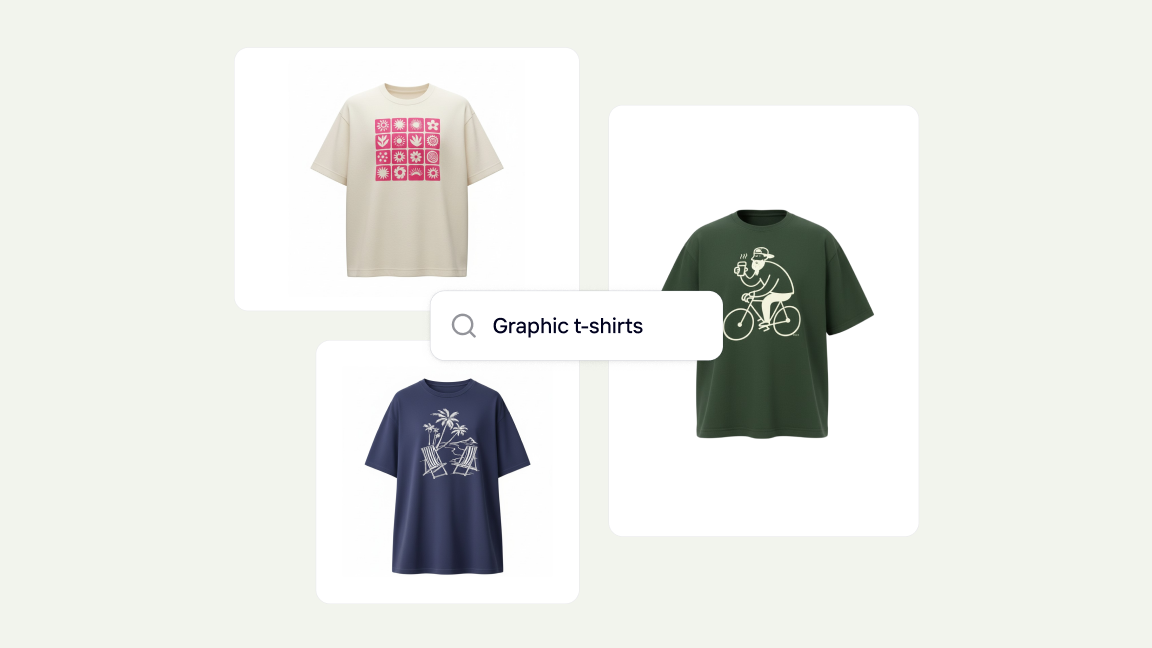
Make product listings easier to browse
Cleaning up visuals helps shoppers focus on the product and move through listings more easily.

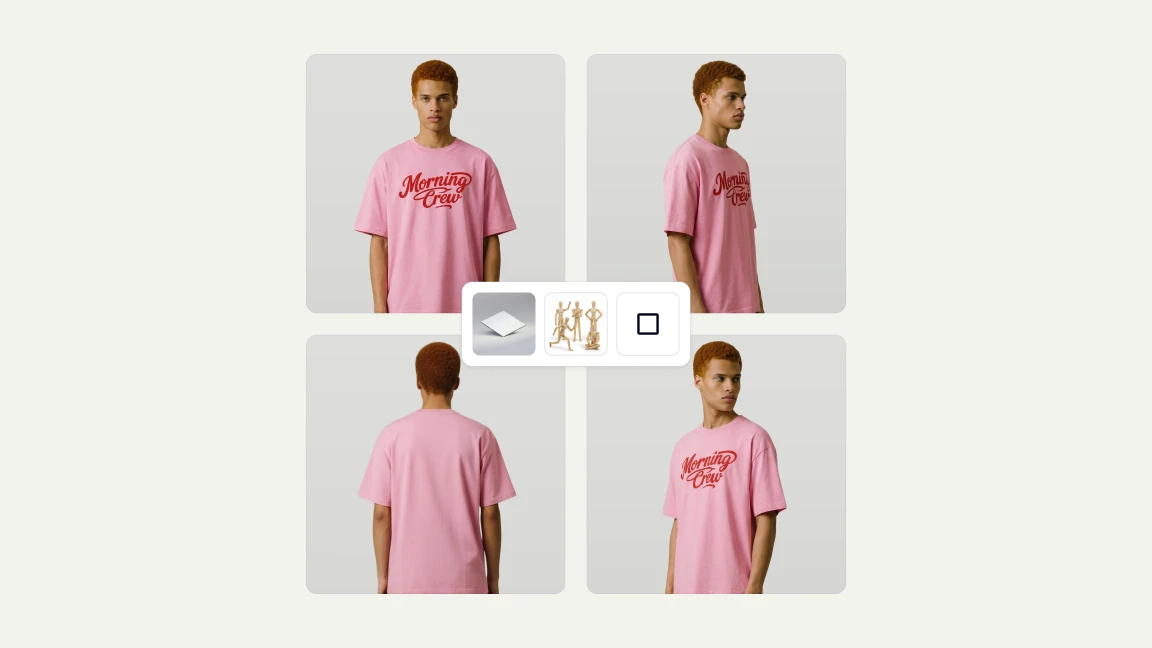
Create a more consistent catalog
Cleaner product visuals help Shopify stores maintain a more unified presentation across categories, collections, and product pages.

Make your store look more polished and trustworthy
A cleaner visual system helps product pages feel more professional. That can make a Shopify store look more structured, credible, and ready to sell.
Make your Shopify catalog cleaner and more consistent
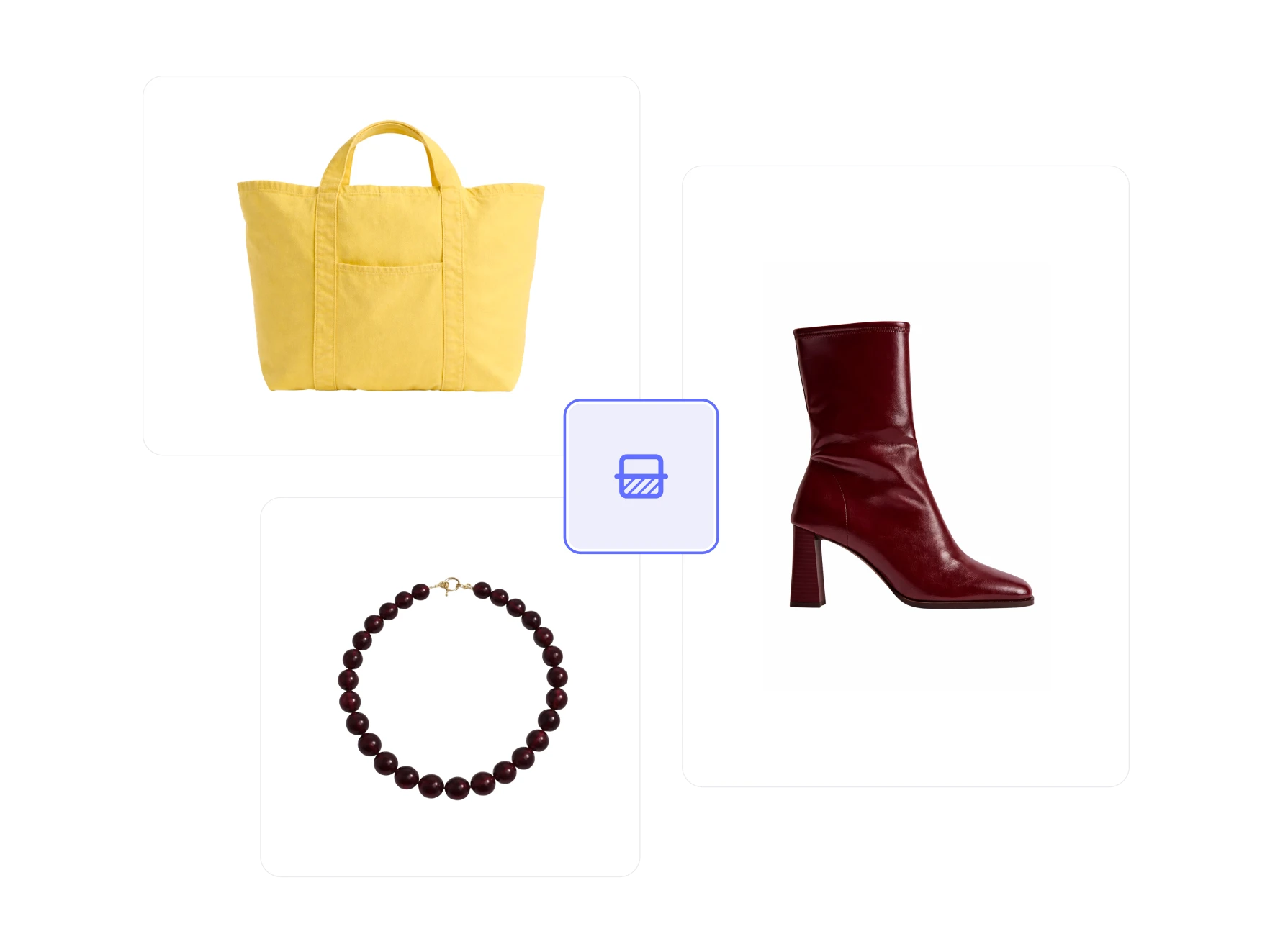
Fix background chaos in fashion catalogs
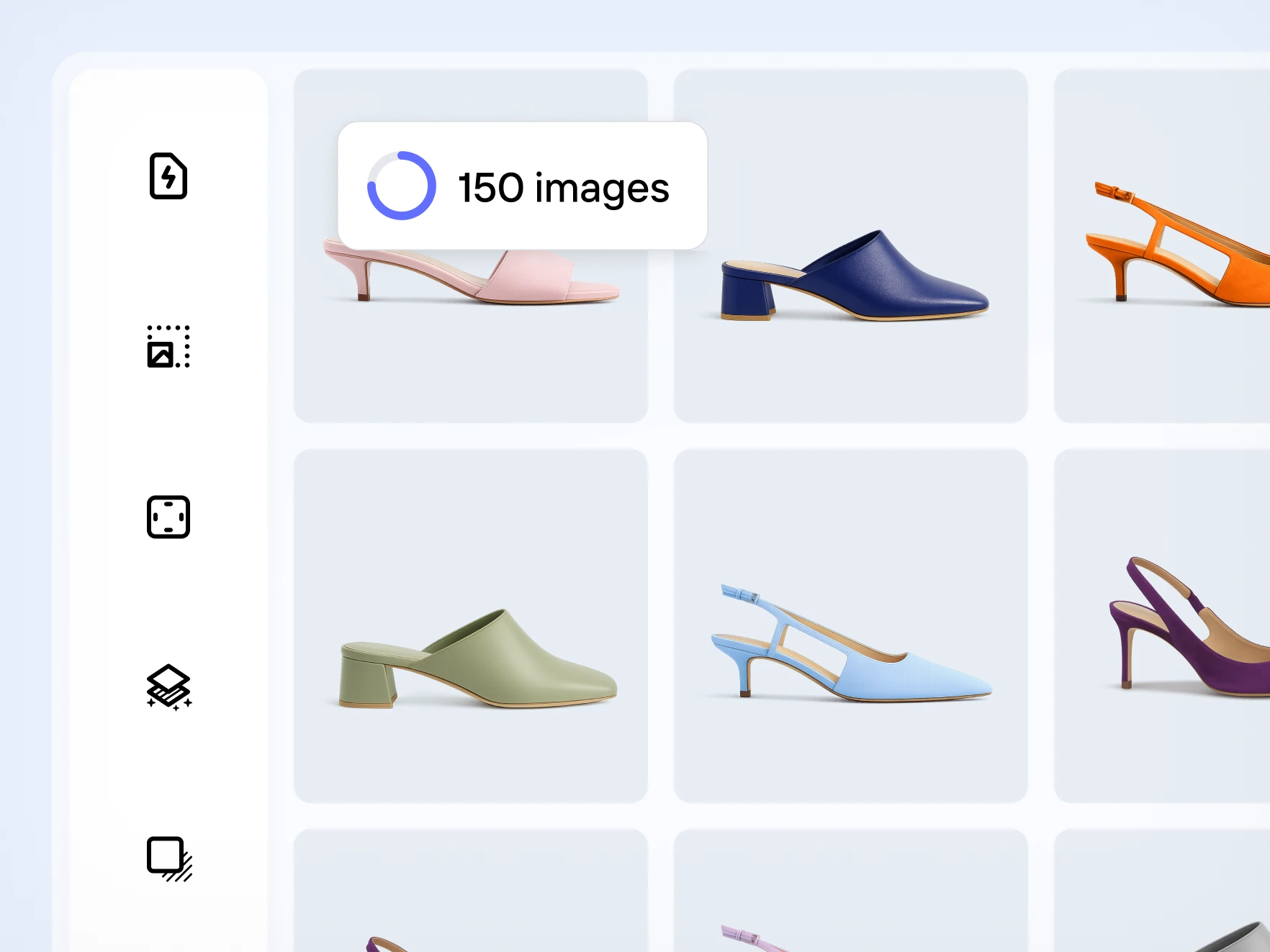
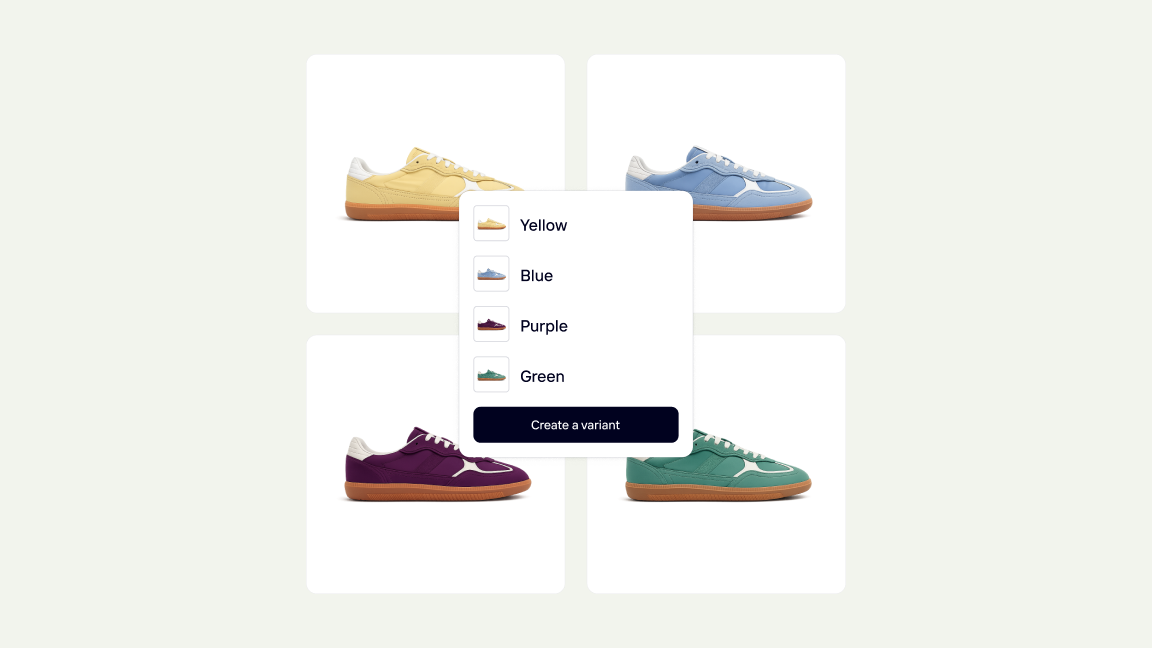
Standardize product images without extra manual work

Keep collections clean, consistent, and easy to browse
How to clean up product images for your Shopify store
Photoroom helps Shopify merchants clean up product visuals so listings look more polished, consistent, and ready to sell.
Step 1
Select a product image from your catalog
Once the Photoroom Shopify app is installed and your store is synced, choose the product image you want to update.
Step 2
Remove the original background
Open Background and toggle Remove original backgrounds. Watch the image update live, then apply a new background if needed.
Step 3
Add the new image to your Shopify store
Use the new visual in your product listings to create a cleaner, more polished catalog experience for shoppers.