

Show your Shopify fashion products on virtual models
Flat lays and packshots only go so far. Shoppers want to see clothing worn, but traditional model shoots are expensive and hard to scale. Photoroom helps Shopify fashion sellers create virtual model images that make product pages more compelling and collections faster to launch.
Why fashion brands use virtual models on Shopify

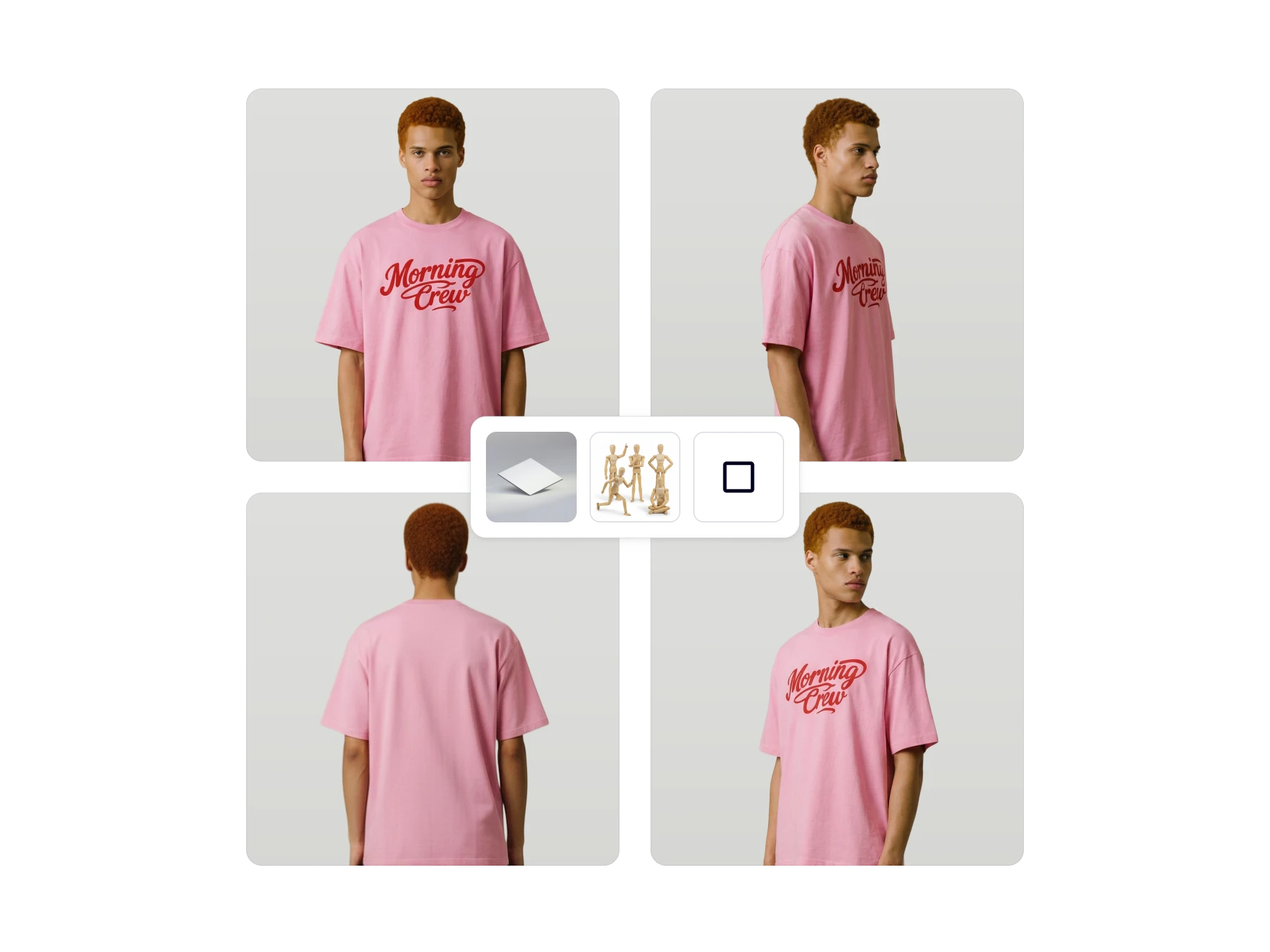
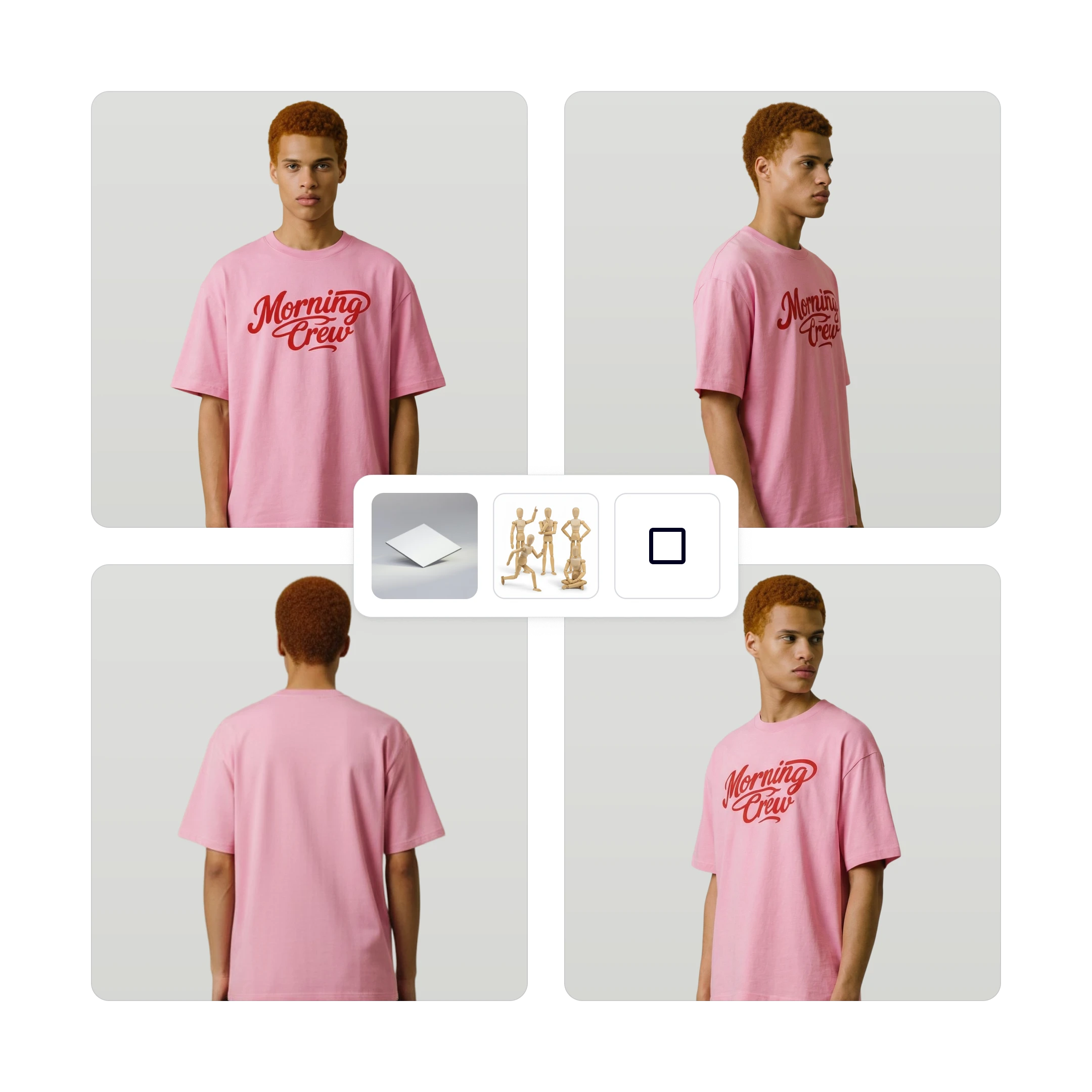
Help shoppers see how products look when worn
Show clothing and accessories on virtual models so shoppers can better understand the overall look, silhouette, and styling of each item before they buy.

Reduce the need for repeated fashion photoshoots
Create model-based product visuals without organizing new shoots for every new item, colorway, or seasonal collection in your Shopify catalog.

Launch and refresh collections faster
Generate virtual model images for new arrivals, campaigns, and catalog updates without slowing down merchandising workflows or time to publish.
Sell more on Shopify with virtual models
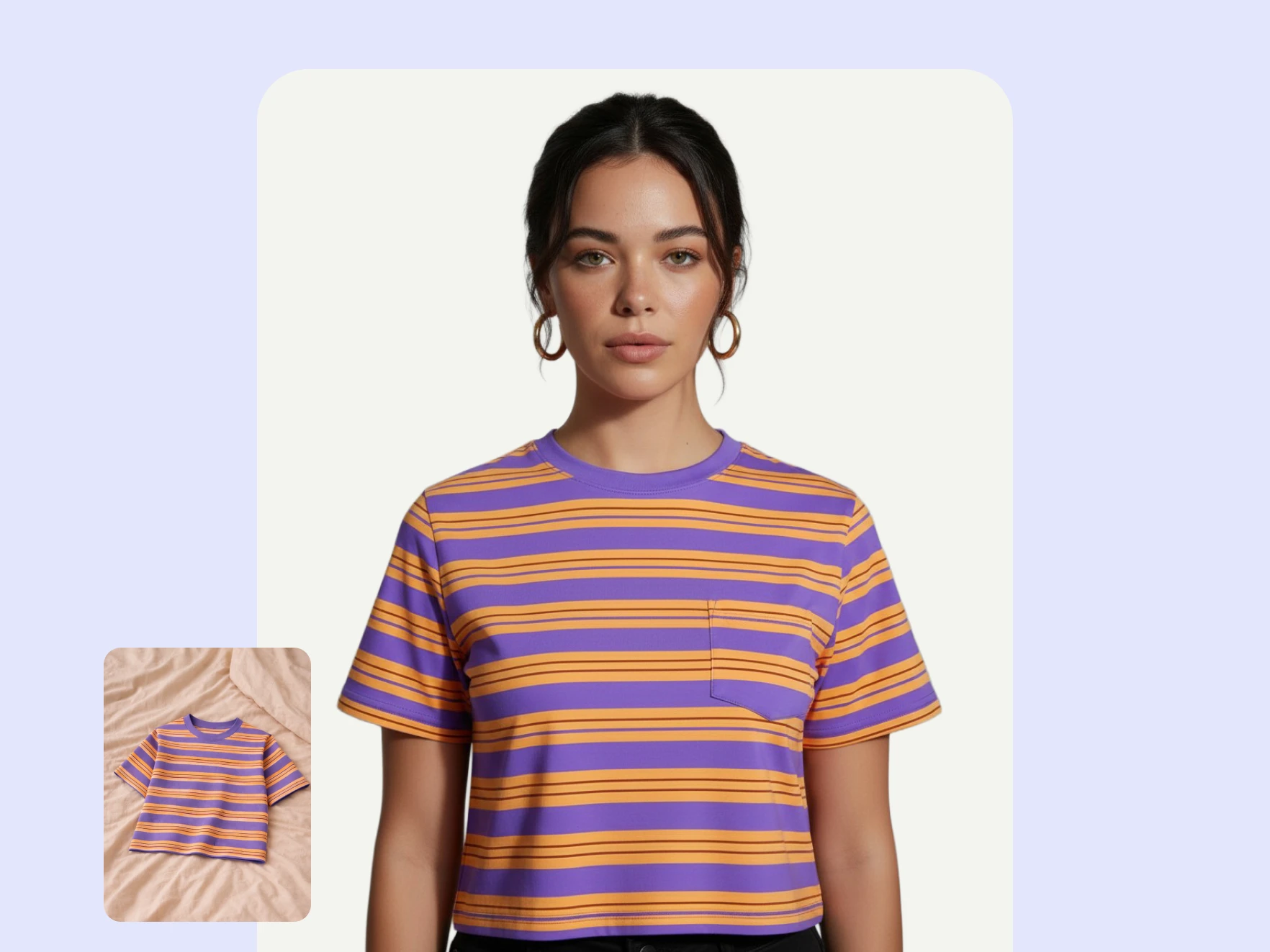
Visualize fit and style to build trust
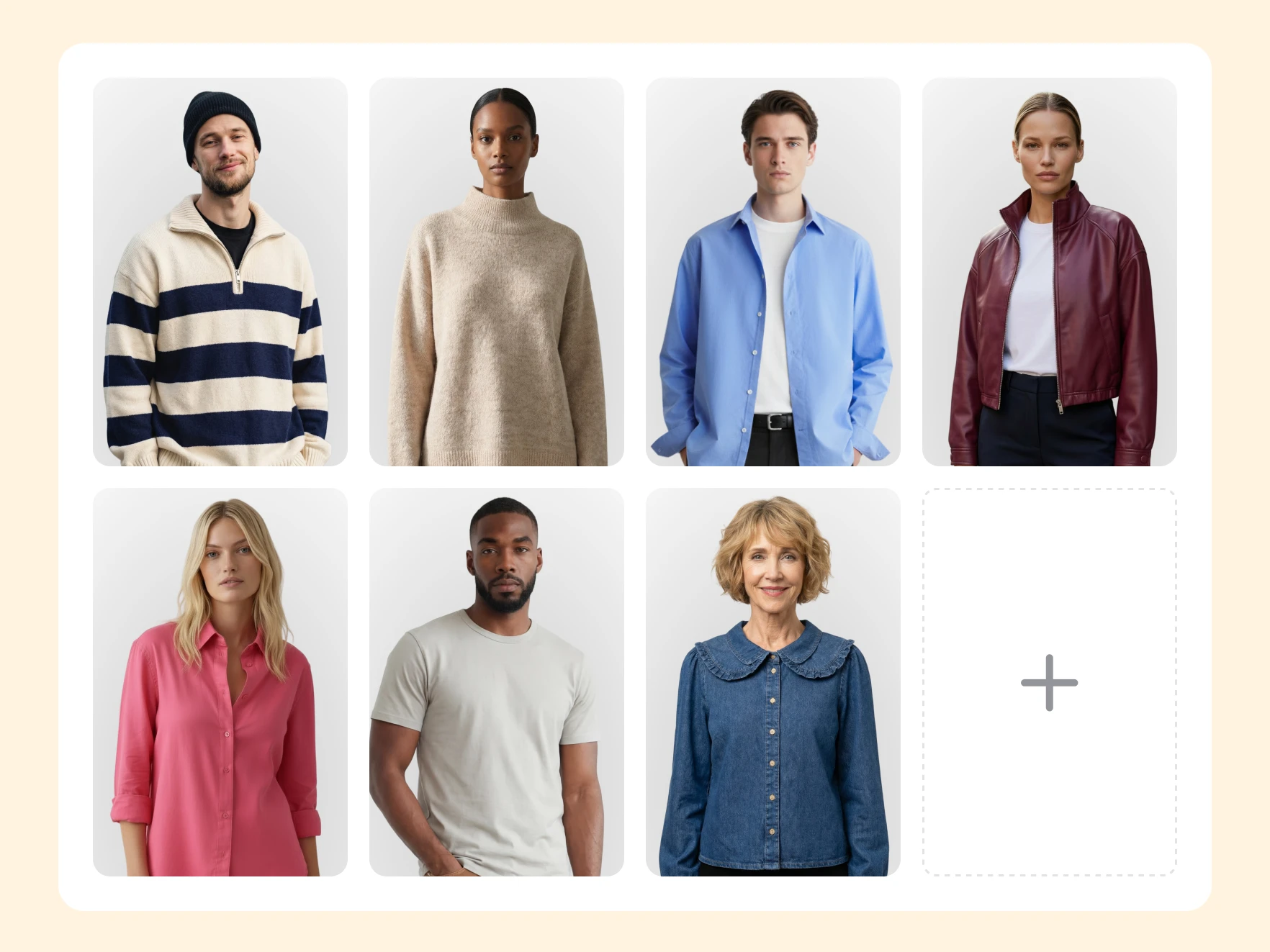
Reduce reliance on repeated model photoshoots
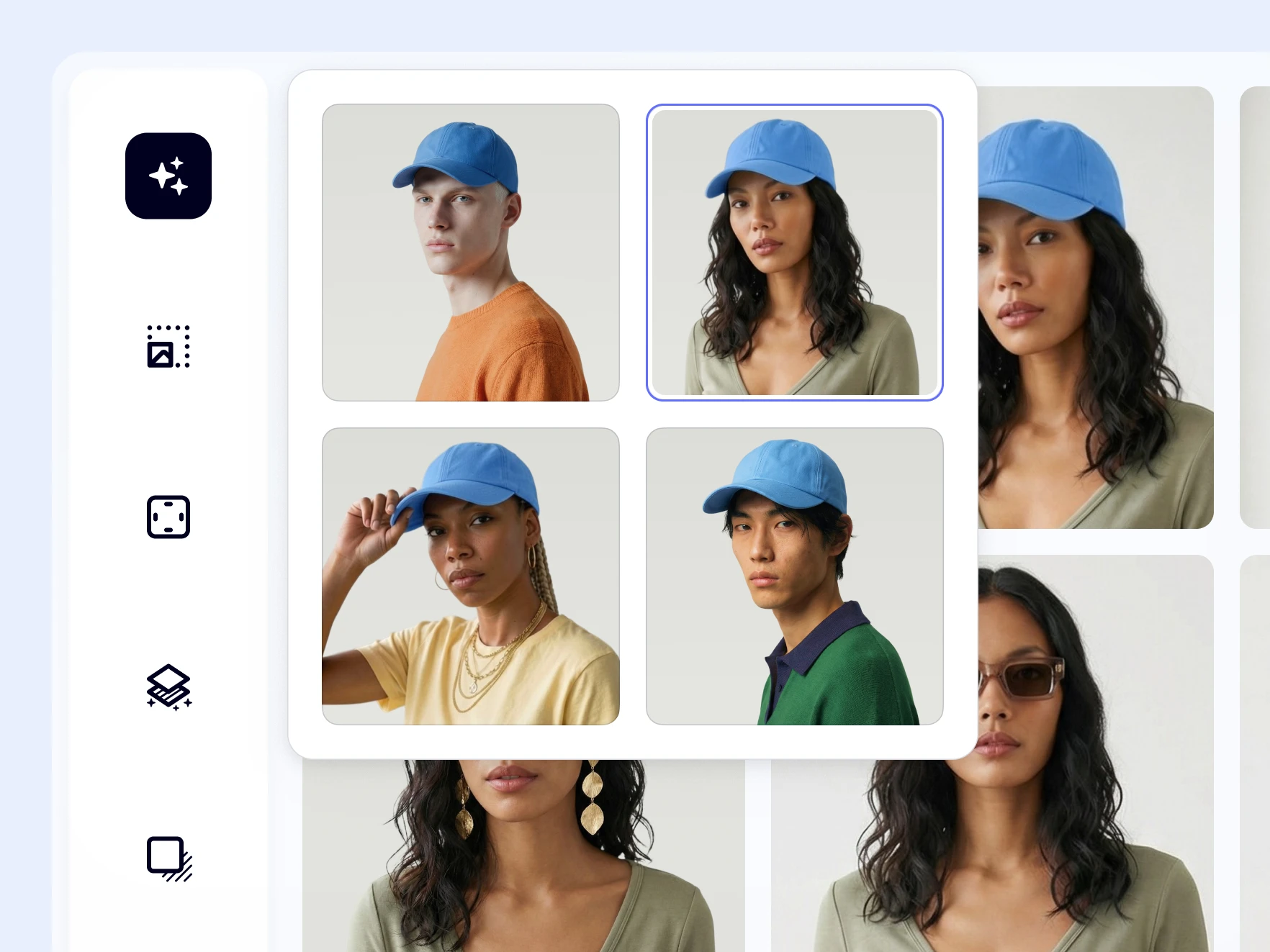
Update fashion visuals faster across your catalog
How to use virtual models on Shopify fashion products
Photoroom helps you turn product-only fashion images into virtual model visuals so shoppers can see clothing in a more realistic, wearable context.
Step 1
Select a product image from your catalog
Once the Photoroom Shopify app is installed and your store is synced, choose the clothing or accessory image you want to turn into a virtual model visual.
Step 2
Choose your virtual model settings
Click on AI Tools and select Virtual Models. Choose the model, pose, size, and background to use. You can also prompt the AI to change the styling or overall look.
Step 3
Add the new image to your Shopify store
Use the generated virtual model image in your product listings so shoppers can better understand how the garment looks when worn.